AionBot Settings Explained: All Six Sections, Profiles, Limits
AionBot settings explained: what Leveling, Grind, Gathering, Expeditions, Combat and Settings do, what stays manual, and how Save and Load handle profiles.

AionBot settings explained in one place: this guide walks through every section of the AionBot++ window, panel by panel, so you know what each box changes before you press Start. The short version is that four sections do the work (Leveling, Grind, Gathering and Expeditions), two shape how that work is done (Combat and Settings), and the footer's Save and Load turn a good setup into a profile you reuse every evening. Checked on 16 November 2026 for AION 2 Global (Season 1).
AionBot settings explained: the window at a glance
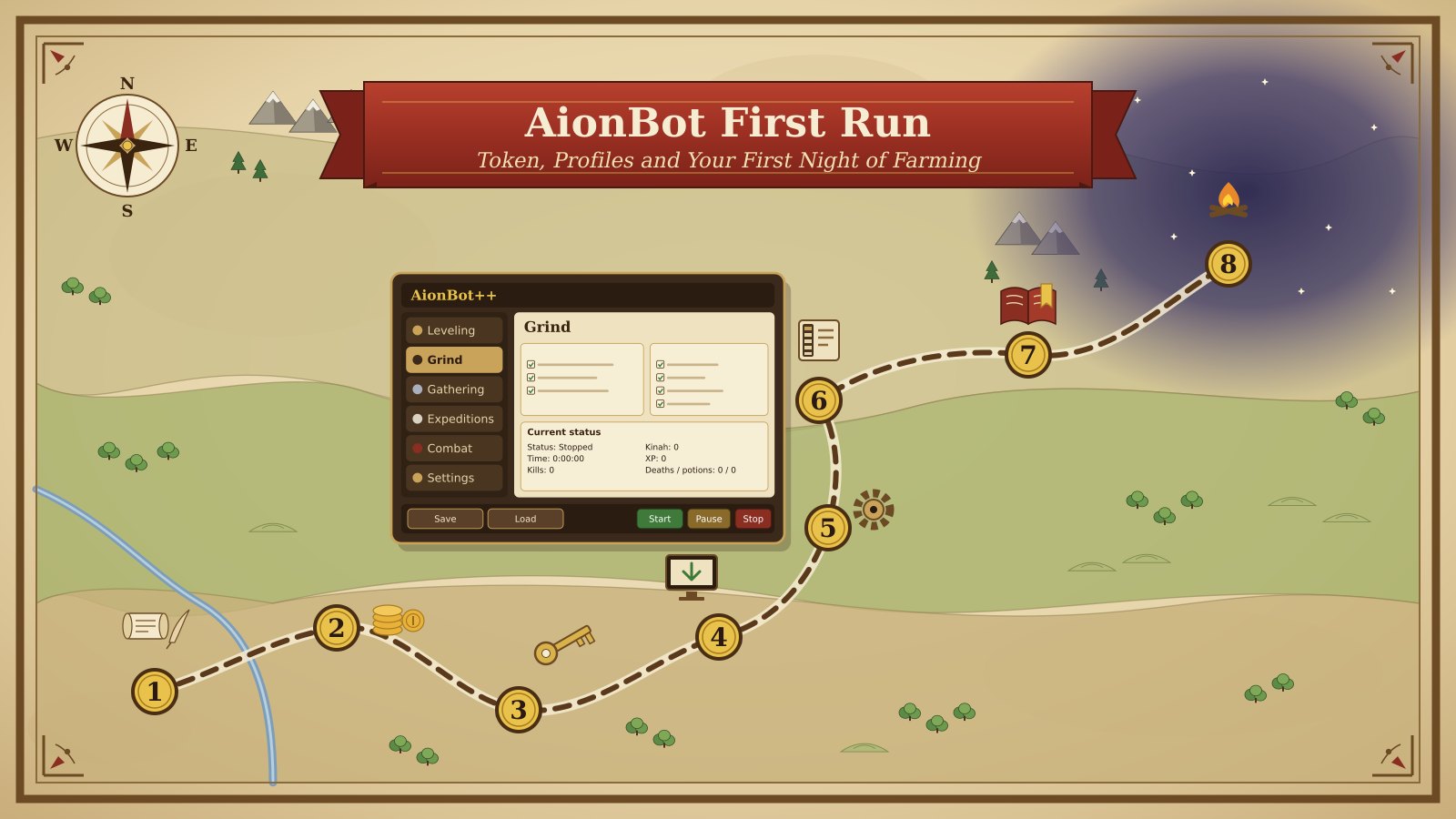
The window has a sidebar with the six sections and your character's name, class, level, HP, MP and XP bars, a header with four counters, the open section in the middle, the Log underneath and a footer with Save, Load, Start, Pause and Stop. The hotkeys are F5 for Start, F6 for Pause and F7 for Stop.
| Part of the window | What it holds | What you do with it |
|---|---|---|
| Leveling | Level range, quest automation, route, quest chain | Story leveling from one level to another |
| Grind | Farm spot, target list, loot and cube rules | Open-world mob farming for Kinah and XP |
| Gathering | Gathering skills, behaviour, node map | Essence Extraction rounds |
| Expeditions | Expedition list, group options, run counters | Queue, ready check and the walk to the entrance |
| Combat | Character, thresholds, skill rotation | How every fight in the other sections is played |
| Settings | Breaks, stop rules, alerts, log detail, data | When the bot pauses, stops or calls you |
| Header chips | Time, Kills, Kinah / h, XP / h | A quick read of the current session |
| Footer | Save, Load, Start, Pause, Stop | Profiles and session control |
Only one activity runs at a time: the section that is open when you press Start is the one the bot plays. Pressing Start while Combat or Settings is open runs the last activity section you used.
Leveling
Level range holds From, To and Start region, plus two switches: Move to the next region by level lets the bot follow the story into the next map once you outlevel the current one, and Grind when quests run out fills a gap in the quest chain with mob kills instead of stopping.
Automation holds the comfort options: Accept and turn in quests, Use flight on long trips, Teleport via Kibelisks, Skip elite mobs in quests and Sell junk when the cube is full. Fragile classes usually keep Skip elite mobs in quests on.
Current status shows the Quest being worked on, Quests turned in, XP / hour, To next level and Flight time. The Route map and the Quest chain list show where the bot is and which quests are turned in, in progress or new. Reading the Elyos leveling route 20–45 or the Asmodian leveling route 20–45 first tells you what a normal evening looks like.
Grind
Farm spot picks the Region and the Search radius, which can be set from 20 to 150 metres, plus Leave elites alone and Avoid other players, which keeps the bot from fighting over the same pack with someone else.
Targets is the list of mob types the bot will attack. Pick each one from Region mob and press + Add; untick a mob to skip it without deleting it.
Loot and cube holds Pick up loot, Sell junk at the vendor, Keep rare and better and Cube size, which you set to match your own cube. In cube counts how full it is, so you can see the next vendor trip coming.
Current status counts Kills, Kinah, XP and Deaths / potions for the session, the Region map shows the spot, and Loot this session lists what dropped, sorted by rarity. Which spots are worth it is covered in the Kinah farming guide for beginners.
Gathering
Skills lists the gathering skills shown in the window, Ore, Gem, Herb and Odyle, each with a proficiency bar, and a Region picker. Tick only the ones you want.
Behaviour holds Optimise the route, which orders the nodes into a short loop, Avoid mobs near nodes, Fight back when attacked and Use flight on long trips, with the Gathered counter underneath. The Gathering points map and Gathered this session show the loop and the haul. Material categories, proficiency and where the nodes are live in the Essence Extraction gathering guide.
Expeditions
The list shows each Expedition with its level, Item Level, group size and a tag that says whether it is too early, recommended or easy for you. Group holds Role, Loot rules, Queue automatically and Confirm the ready check; Run counts Bosses, Runs and Kinah / hour; Path to the entrance shows the way in.
Be clear about the split here: the bot handles the queue, the ready check and the walk to the entrance, but inside the Expedition every pull is yours. Odyle Energy decides how many reward cubes you can open anyway; the Expeditions guide and Item Level ladder explains which run fits your gear.
Combat
Character holds Class, Faction, Server and Name; check that they match the Daeva you are playing. Thresholds holds HP potion below, MP potion below, Rest below HP and Rest below MP, plus Keep buffs up and Interrupt enemy casts.
The Rotation is your skill list, read top to bottom by priority, with each skill's cooldown beside it. The window explains the rule: the bot takes the first ready skill from the top that it has the MP for, heals only below 60 percent HP, uses defensive skills below 45 percent, saves crowd control for elites and opens with gap closers and taunts. Priorities, cooldowns and thresholds per class are in the AionBot combat rotation setup.
Settings
Session holds Planned breaks, Break every (30 to 240 minutes), Break length (5 to 60 minutes) and Stop at level, which ends the session when the character reaches the level you pick.
Stop and alerts holds Stop when the character dies, Pause on a whisper, Sound alert, Minimise to tray and the Log detail: short, normal, or detailed with every skill. Pause on a whisper only pauses; answering is up to you.
Data holds Reset character, Reset settings and Export, with a profile count and a running Kinah total. Long sessions with breaks and stop rules are covered in the AionBot overnight farming setup.
What stays manual
| Task | Who does it |
|---|---|
| Pulls inside an Expedition | You |
| Buying potions and repairs | You; the bot does not buy or repair |
| Equipping better gear | You; the bot does not swap gear |
| Slotting Stigmas at 22, 27, 32 and 37 | You; Stop at level helps you catch the level |
| Listing materials on the Market | You; the bot does not list |
| Answering whispers and party invites | You |
| Daily checks such as Duty Missions | You |
The Market point matters: its hidden Trust level drops on bot-like behaviour, and a low Trust level blocks Market use.
Saving and loading profiles
Save asks for a profile name, suggests your character's name and the open section, and stores the whole setup: the activity sections, Combat and Settings together. Load lists your saved profiles with the date each was saved and brings the chosen one back.
One profile per activity
Keep a profile for each thing you actually do: one leveling profile per level band, one Grind profile per farm spot, one Gathering loop, one Expedition setup. Add the spot to the suggested name and save again after every change you keep.
Several characters
Give each alt its own profiles. Combat in particular must not carry over: a Templar's thresholds on a Sorcerer end in a corpse. After Load, check Class and Name in Combat, then press Start.
Export and reset
Export writes the current settings out so you have a copy before a big change. Reset settings puts the window back to its defaults, and Reset character clears what the window keeps about the current character; it only works while the bot is stopped. Export first, then reset.
AionBot and this setup
For a new character, the usual order is Settings first, then Combat, then the activity section, then Save. The AionBot first-run setup guide does that end to end for night one, and the AionBot topic hub collects the other bot guides. Plans start at one week; see plans and pricing. Automation breaks NCSOFT's rules for AION 2, the game runs its own anti-cheat (NCGuard), and NC banned tens of thousands of accounts in the October 2026 ban waves, so never bot on an account you cannot afford to lose.
FAQ
What does each section of AionBot do?
Leveling follows the story quests between two levels, Grind farms mobs from a target list in one region, Gathering runs Essence Extraction loops, and Expeditions handles the queue, ready check and walk to the entrance. Combat holds your class, thresholds and skill rotation for all of them, and Settings holds breaks, stop rules, alerts and log detail.
How do I save a profile in AionBot?
Set everything up, then press Save in the footer and accept or change the suggested name, which combines your character and the open section. The profile holds the whole setup, Combat and Settings included. Next time press Load and pick it from the list. Save again after every change you want to keep, because loading an old profile overwrites unsaved tweaks.
Can AionBot run two sections at once?
No. Only the section that is open when you press Start runs, so a session is either leveling, grinding, gathering or an Expedition. Leveling can fill gaps with mob kills through Grind when quests run out, but that is still one activity. To switch, press Stop, open the other section, load its profile and start again.
What does AionBot not do for me?
It does not buy potions, repair, swap gear, slot Stigmas, list on the Market or answer whispers, and inside an Expedition every pull is yours. Plan those jobs around your sessions: restock before you press Start, check your gear after a level-up, and sell materials by hand on the Market at the end of the night.