Adventurer's library · topic
AionBot Setup Guides
Setting up and running AionBot: tokens, profiles, loot rules and troubleshooting.
These guides are about the AionBot program itself rather than a region or a farm. AionBot works alongside the AION 2 Global client from Steam or PURPLE, and its window has six sections: Leveling for the Episode quest chain from Poeta or Ishalgen through Verteron or Altgard, Grind for open-world farm spots, Gathering for Essence Extraction, Expeditions for dungeons such as Krao Cave, Combat for your class, thresholds and skill rotation, and Settings for breaks, stop rules and alerts. A plan buys time, not features: 1 Month, 3 Months and 6 Months unlock the same bot for 30, 90 or 180 days, priced in dollars and paid in crypto at the live rate, as listed under plans and pricing.
Start with the AionBot first run setup guide. It covers one evening in order: an account, a plan, Create token and Copy in the Bot token panel, the installer, a pass through Settings and Combat, one section, Save and a two-hour test night. If you have never bought crypto, how to buy crypto with a card to pay for AionBot walks through the purchase and the exact-amount payment step by step. For a first route or farm spot to set up in the bot, the fresh server hub lists the guides for new characters.
What works for most players: in Grind, pick one Region, set a modest Search radius, add each mob type with + Add, press Start, and watch Kills, Kinah / h and the Log for ten minutes before changing anything. Pause covers a short break, and Stop ends the session at a time you chose before you sat down; Load brings the same setup back the next evening. AionBot is built around you being at the keyboard, and inside Expeditions every pull stays yours. Know the risk before you start: automation breaks NCSOFT's rules for AION 2, the game runs its own anti-cheat, NCGuard, and NC bans accounts for it, as the October 2026 ban waves showed, with more than 42,000 Global accounts restricted in a single week, so never bot on an account you cannot afford to lose.
 AionBot Setup Guides
How to Buy Crypto With a Card and Pay for AionBot: A First-Timer's Guide
How to buy crypto with a card and pay for an AionBot plan: USDT on TRC20, an exchange or a wallet app, the right network, the exact amount, common mistakes.
 AionBot Setup Guides
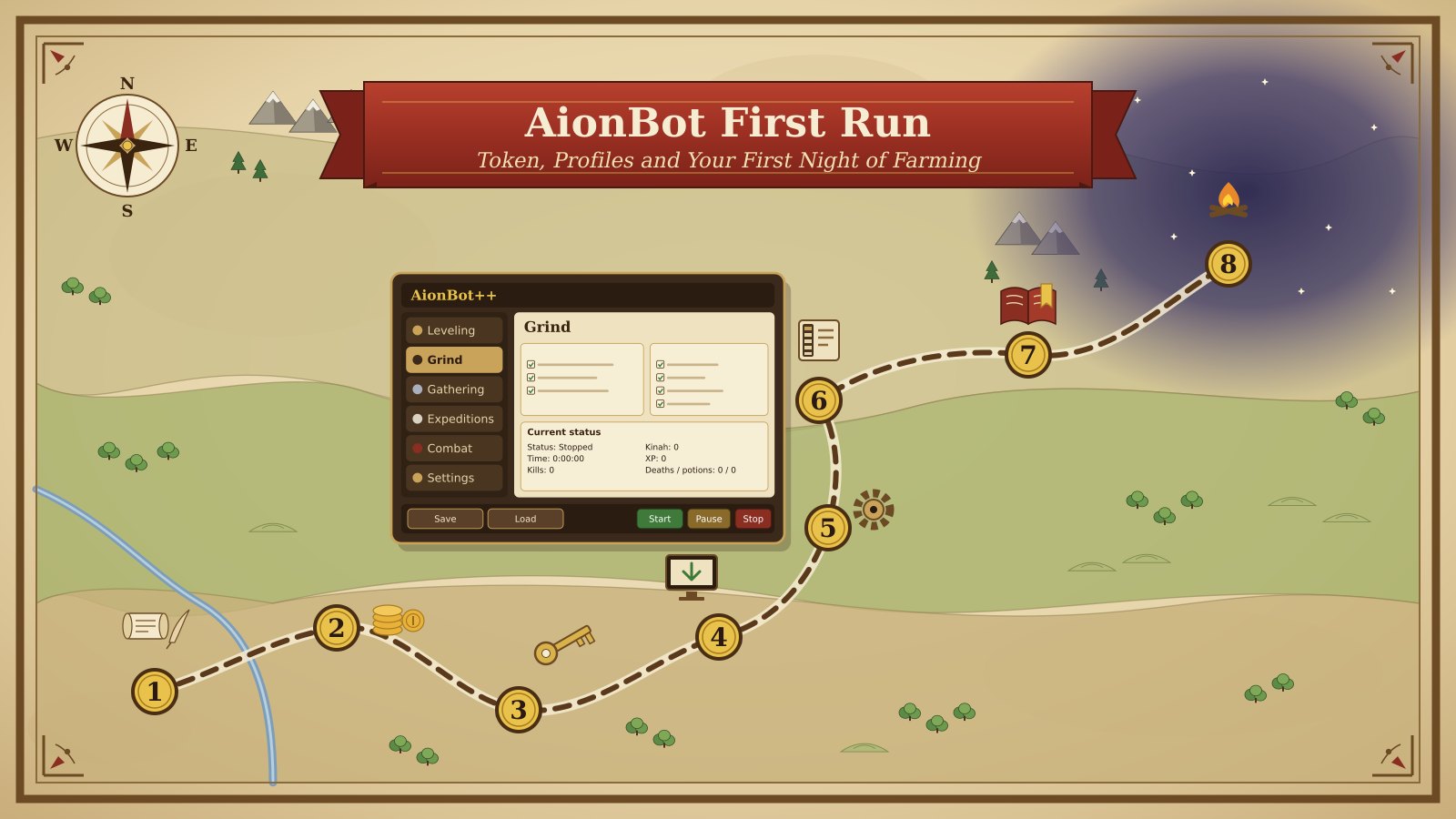
AionBot First Run: Token, Profiles and Your First Night of Farming
A step-by-step AION 2 bot setup for AionBot: account, plan and token, the six sections of the bot window, a saved profile and a two-hour test night.
Frequently asked questions
What happens if I lose my AionBot token?
The full token is shown only once; after that the account shows just its last four characters. Press Create token again in the Bot token panel, press Copy straight away and paste the new token into the bot. Keep it out of screenshots, because anyone who has it can use your subscription.
Is AionBot safe to use in AION 2?
No bot is safe. Automation breaks NCSOFT's rules for AION 2, NCGuard runs with the client, and NC's sanctions table lists bot use among the offences that can lead to a permanent ban across all NC games. Use it only on an account you can afford to lose.
Which AionBot plan should I start with?
One month. All three plans unlock the same bot and differ only in length, so a month is enough to learn the sections and see whether it suits your evenings. A longer plan makes sense once you know you will keep using it.